What is an MCP server in simple terms: examples with 1C, Cursor and Claude
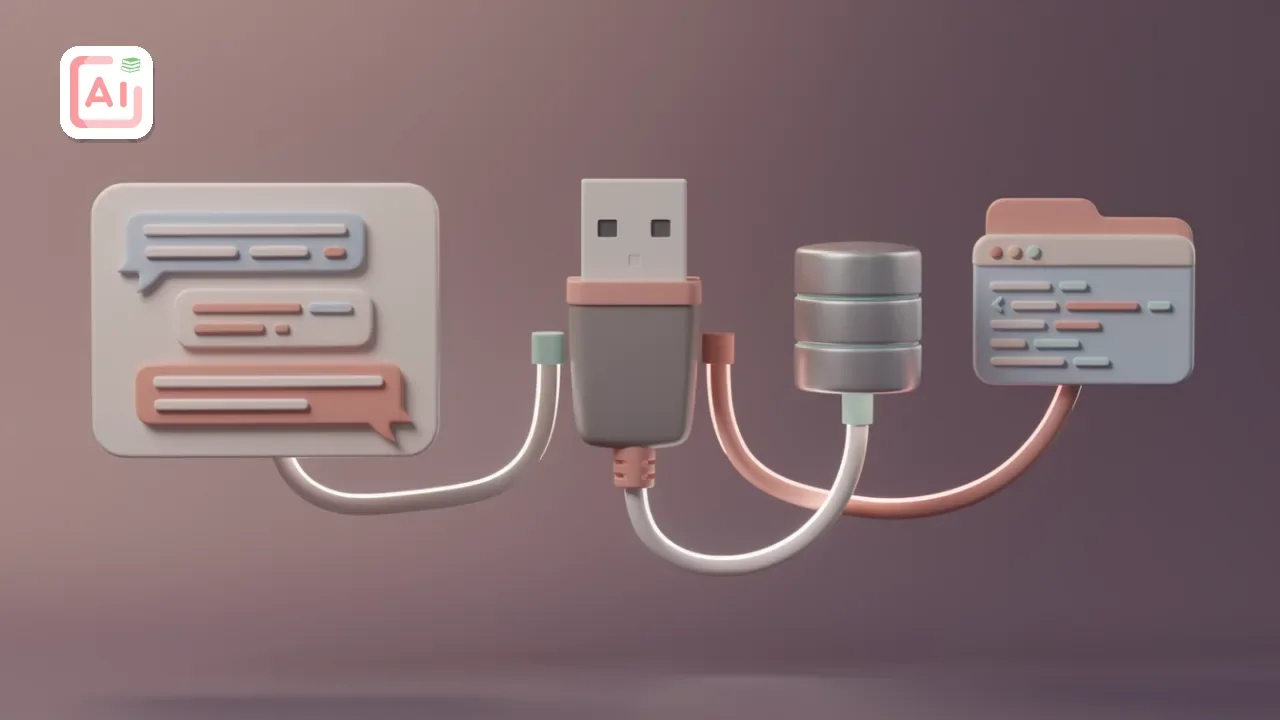
Table of Contents
Modern language models (LLMs) such as Claude, ChatGPT, and local neural networks are excellent at writing code and analyzing text. However, they have one key limitation: they are isolated from the real world. A model does not know what is stored in your local database, which tickets are open in Bitrix24, or what inventory levels are recorded in 1C.
To solve this problem, Anthropic developed an open standard — MCP (Model Context Protocol). In December 2025, Anthropic transferred the protocol to the Agentic AI Foundation under the Linux Foundation, so it is no longer governed by a single company.
In this article, we’ll explain what an MCP server is in simple terms, what it is used for, how it works, and how to connect it to your tools.
What is an MCP server in simple terms?
MCP (Model Context Protocol) is a universal “adapter” (or a standard USB connector) that connects an AI client (such as Claude Desktop or Cursor) to external data sources and applications.
Previously, teaching a neural network to work with your database required writing a complex custom integration for each specific model. An MCP server for AI standardizes this process: you run one server, and any AI client that supports the protocol can connect to it.
┌────────────────────────────────────────────────────────┐
│             AI clients (Claude, Cursor, Zed)           │
└───────────────────────────▲────────────────────────────┘
                            │ (Unified MCP protocol)
┌───────────────────────────▼────────────────────────────┐
│                       MCP server                       │
└──────────────┬────────────┼──────────────┬─────────────┘
               │            │              │
      ┌────────▼──┐   ┌─────▼─────┐   ┌────▼────────┐
      │  1C DB    │   │ Postgres  │   │ Files / Git │
      └───────────┘   └───────────┘   └─────────────┘
How does an MCP server work?
The interaction architecture consists of three parts:
-
MCP client: The application where you communicate with the neural network (Claude Desktop, Cursor, LM Studio).
-
MCP server: A small local or remote application that translates the neural network’s commands into calls understood by the target system (SQL queries, API calls, file reads).
-
Data source: Our target system (1C, PostgreSQL, Bitrix24, GitHub, or a local drive).
Workflow:
-
You ask Claude: "What was the revenue for counterparty X yesterday?"
-
The AI understands that it has access to the
get_1c_salestool. -
The AI sends a structured request to the local MCP server.
-
The MCP server requests data from 1C, retrieves the response, and returns it to the neural network.
-
The neural network generates a clear, human-readable answer.
Popular MCP server use cases
The scope of standardized servers is growing every day:
-
1C and accounting systems: An MCP server for 1C allows developers and analysts to query metadata structures, analyze inventory levels, quickly audit code, or generate reports without manually exporting data to Excel. Integrations with Bitrix24, ELMA365, Perekrestok, VkusVill, and Ozon are also available for working with product catalogs and orders.
-
Vibe coding and development: By connecting MCP servers for Cursor, Zed IDE, or Claude, developers give the model the ability to search documentation on the Web, inspect table structures through an MCP server for PostgreSQL, or read commits directly from GitHub.
-
CAD and 3D workflows: Specialized solutions are available for MCP servers for KOMPAS-3D, Blender, SolidWorks, and AutoCAD, allowing users to control 3D model parameters through text prompts.
-
Local models: You can run an MCP server for LM Studio or Ollama to work with data completely offline, without sending trade secrets to external servers.
Where can you find ready-made solutions?
You do not have to write code from scratch. There is a vast MCP server catalog:
-
The official
modelcontextprotocol/serversrepository on GitHub: Ready-made integrations for file systems, Git, GitHub, Slack, Google Drive, and databases. Before installation, check whether the required server is still supported: some integrations are being migrated and updated. -
Awesome MCP Servers on GitHub: An expanding list of MCP servers where you can find both free MCP servers and specialized community scripts.
How to connect an MCP server (using Claude or Cursor as an example)
The connection process comes down to editing a single JSON configuration file.
Step 1. Install Node.js or Python
Most MCP servers are distributed through npx (Node.js) or uvx (Python).
Step 2. Open the configuration file
-
For Claude Desktop:
%APPDATA%\Claude\claude_desktop_config.json(Windows) or~/Library/Application Support/Claude/claude_desktop_config.json(macOS). -
For Cursor / Zed: The MCP Servers section in settings.
Step 3. Add the server configuration
Example of connecting an MCP server for web search (Brave Search) and the file system:
JSON
{
  "mcpServers": {
    "filesystem": {
      "command": "npx",
      "args": [
        "-y",
        "@modelcontextprotocol/server-filesystem",
        "C:\\Users\\User\\Projects"
      ]
    },
    "brave-search": {
      "command": "npx",
      "args": [
        "-y",
        "@modelcontextprotocol/server-brave-search"
      ],
      "env": {
        "BRAVE_API_KEY": "YOUR_API_KEY_HERE"
      }
    }
  }
}
Step 4. Restart the application
After restarting, an icon resembling a “hammer” or a list of available tools will appear in the AI client interface. The neural network will now be able to use these tools whenever necessary.
Only connect servers you trust: an MCP server has access to your files and data. For information about risks and protection, see the article “MCP server security”.
How to create your own MCP server step by step
If you need a unique integration (for example, with your own custom ERP), creating an MCP server takes minimal time thanks to the official SDKs for TypeScript and Python.
-
Initialize the project:
npm init -y && npm install @modelcontextprotocol/sdk -
Describe the tools: Specify the name, description, and JSON schema for the input parameters.
-
Implement the handlers: Write the logic that connects to your system when the tool is called.
-
Run it through stdio: The server reads requests from standard input and returns JSON-RPC responses.
Conclusion
Model Context Protocol is a crucial step in the evolution of AI from ordinary chatbots to autonomous agentic systems. Understanding how local and remote MCP servers work makes it possible to automate routine tasks in development, 1C analytics, and infrastructure management without complex, overloaded integrations.
To learn about building agents on ready-made platforms, see the guide to n8n agents.

I study AI not as magic but as a tool. I love order in data and complex systems.