Emoji Generator
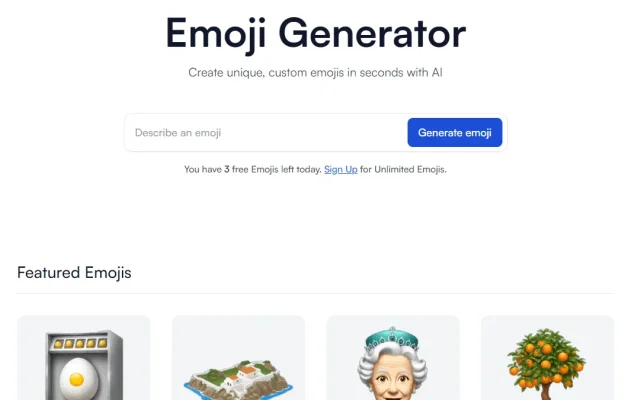
13 0Emoji Generator is one of the most popular free emoji generators, letting you create a unique emoji from a text description.
- Category
- Image & Design
- Pricing
- Free
- Free plan
- Yes
- Use case
- Image generation
Emoji Generator is one of the most popular free emoji generators, letting you create a unique emoji from a text description. The tool is free, and you can download the finished emoji without registering.
How to Create Your Own Emoji
Drawing one in Photoshop or similar software is a viable option, but it’s time-consuming and difficult. Thanks to neural networks, you can create an emoji much faster and more easily. All you have to do is describe what you want the result to look like on emoji.is, and AI will do the rest. Then just wait a little while the AI generates the image. Here’s how: Step 1: Briefly describe what you want to see in the emoji. For example, you might want a heart, a hug, or something else. To test it, we’ll enter a complex prompt about our project: “ai-pedia robot”: 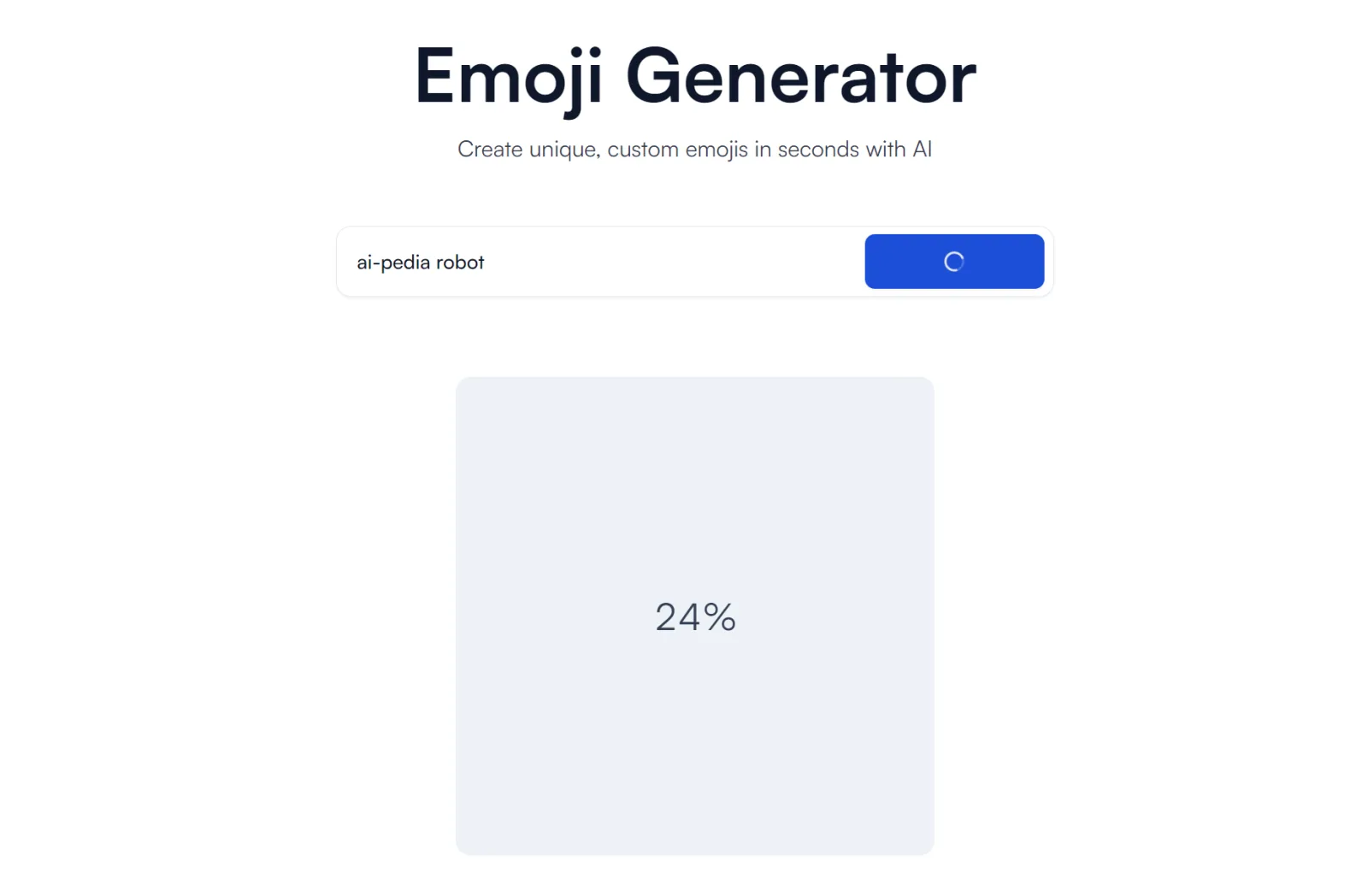 Step 2: Don’t close or refresh the browser page; the result will appear in the same tab. Once the neural network has processed your prompt, you’ll see the finished result. For example:
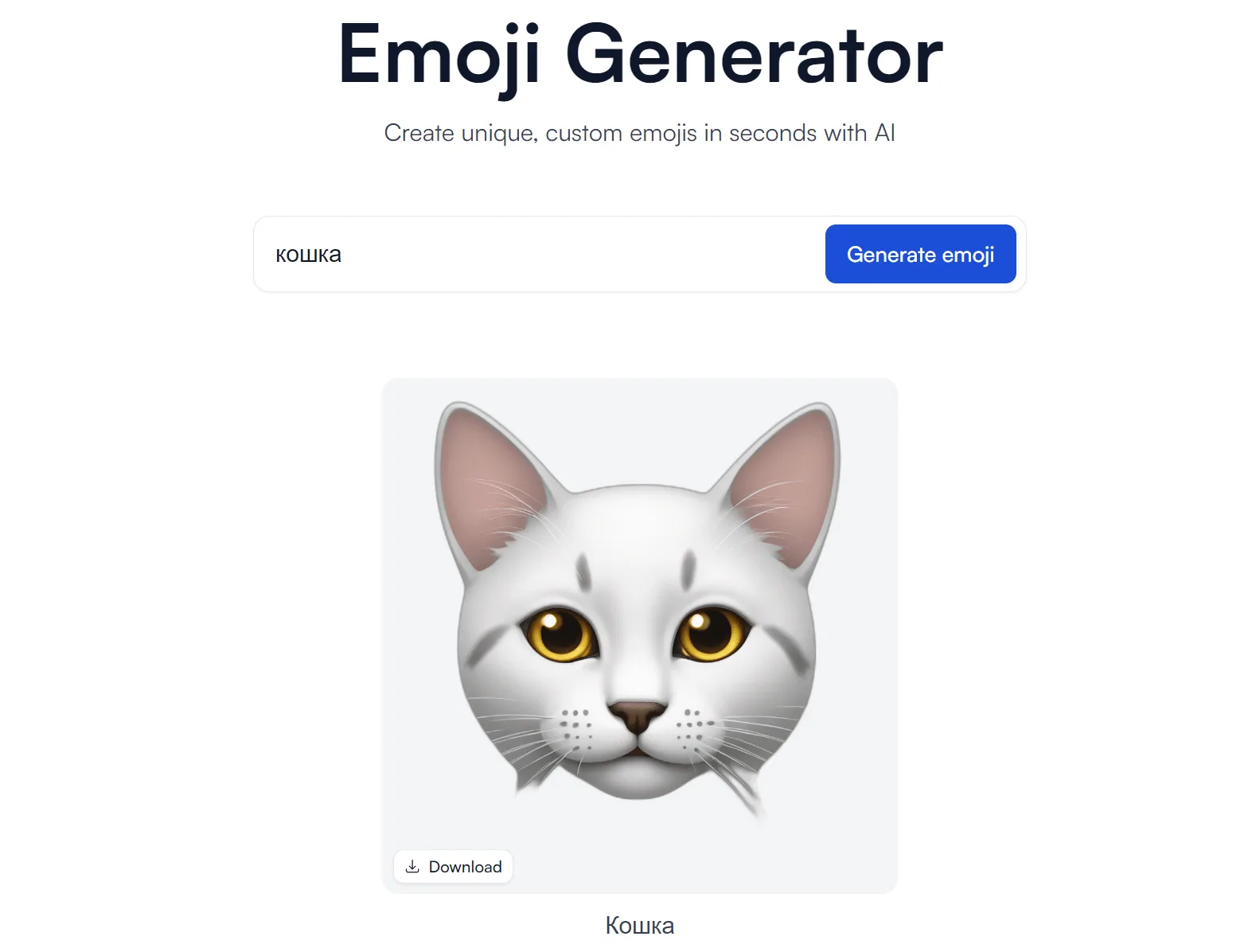
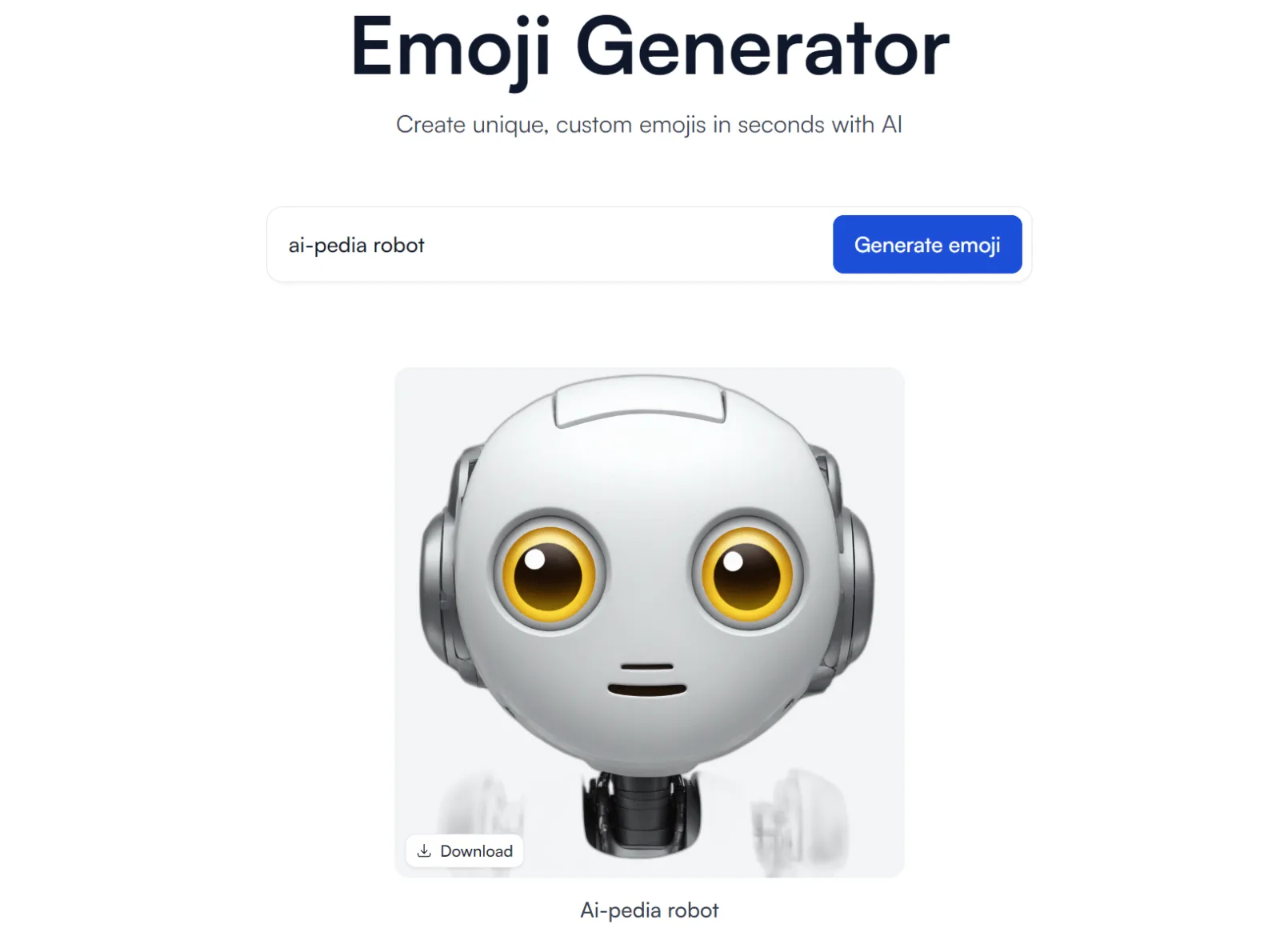 Click the “Download” button to download the image to your computer. One major advantage of this emoji generator is that images are downloaded in high resolution. This means you can use them not only as emojis, but even as avatars. To share an image online, click anywhere on the finished result. The service will then redirect you to a new page with a unique URL that you can share online. For example, the emoji from the example above is available at: https://www.emoji.is/e/e667db4a-8299-45f8-83d3-9f7ff740e95e. You can enter a prompt in other languages, but the result may not always be accurate. It’s better to use English, for example, with the help of an online translator. Here’s an example of a successfully generated cat emoji from a non-English prompt:
FAQ
Do I need a VPN or proxy to use the service?
It depends on your region. If the service is not available in your country, its site says so; a VPN or proxy is a way around regional limits, but follow the rules of the service and the laws of your country. How to choose a proxy is covered in our guide to proxies for Claude. The easiest check is to open the service site.
Is it safe to share my data with an AI tool?
Do not enter passwords, payment details, personal data or trade secrets. Many services store requests and may use them to train models, especially on free plans. Check the privacy policy and the settings of the service, where training can often be switched off.
Similar tools
-
37 0
Open-weights text-to-image model by Stability AI: runs locally on a GPU, LoRA and ControlNet, versions 1.5 to 3.5. Free under $1M annual revenue.
- Editors' choice
- Image & Design
- Free
- Image generation
-
30 0
OpenArt is an AI image generator with a graphics editor: text prompts, sketch-to-image and QR codes. 100 free credits, plans from $7.99 a month.
- Image & Design
- Paid
- Image generation
- Photo editing
-
28 0
Green Screen AI is an interactive, easy-to-use platform for transforming your photos into generative art with artificial intelligence.
- Image & Design
- Photo editing
-
28 0
MakeLogo AI is a powerful AI-powered tool for creating unique logos.
- Image & Design
- Paid
- Logos & branding
-
28 0
An AI tool for planning residential spaces. Access is completely free for regular users.
- Image & Design
- Free
- Architecture
-
27 0
Rostrio (formerly Passphoto) is an AI-powered service for processing personal photos.
- Image & Design
- Photo editing